USB Audio for Hybrid Classrooms: Wiring, Gain Structure and the Causes of Echo
The moment a classroom becomes a video-conference room, the audio problem changes shape. It is no longer enough for the students in the room to hear the teacher; the remote participants have to hear the students, and the room has to hear the remote participants without echo.
The single most useful feature in this situation is not a better speaker. It is a clean digital audio interface between the classroom system and the room PC. This guide explains why USB audio matters, how to connect it, and the mistakes that produce echo and level mismatch after commissioning.
Why the laptop microphone is not enough
A laptop microphone is designed for one person sitting in front of it. In a classroom it picks up the teacher at several metres, the students at six, and the room’s reverberation — all at similar levels. The remote side hears a wash of room sound with the teacher buried in it.
Raising the laptop volume makes the problem worse: the louder the room audio, the more of it the laptop microphone picks up, and the more echo the remote participants hear.
What USB audio does differently
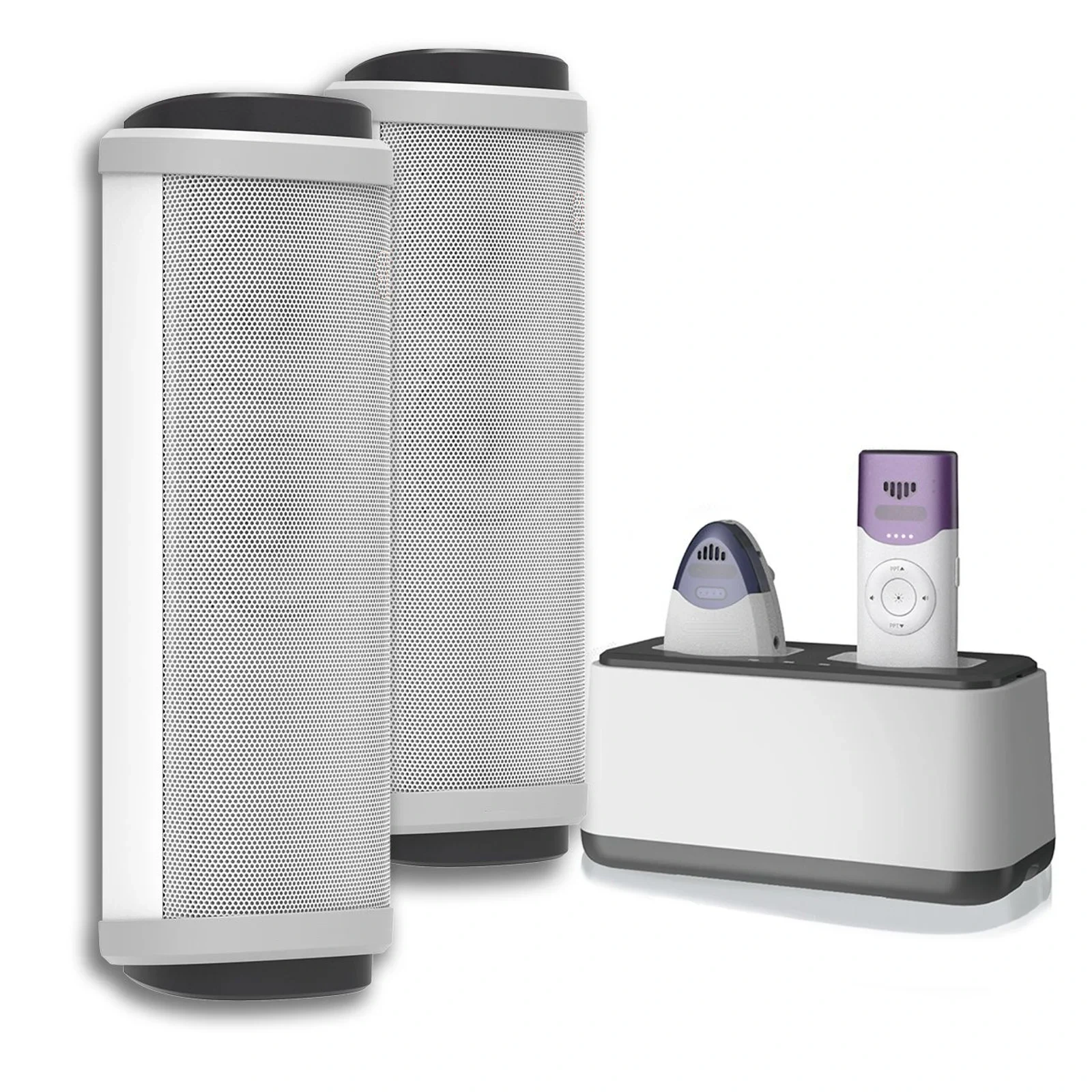
A classroom system with a built-in USB audio interface appears to the PC as a standard microphone and speaker — no driver, no adapter, no audio interface box. The teacher’s wireless microphone becomes the PC’s microphone, and the classroom speakers become the PC’s output.
Because the video-conference application uses the classroom system as both input and output, the platform’s echo cancellation has a single device to work with. That is what makes full-duplex conversation possible: the remote participant can speak while the teacher speaks, without the teacher’s audio being re-captured.
Wiring the room
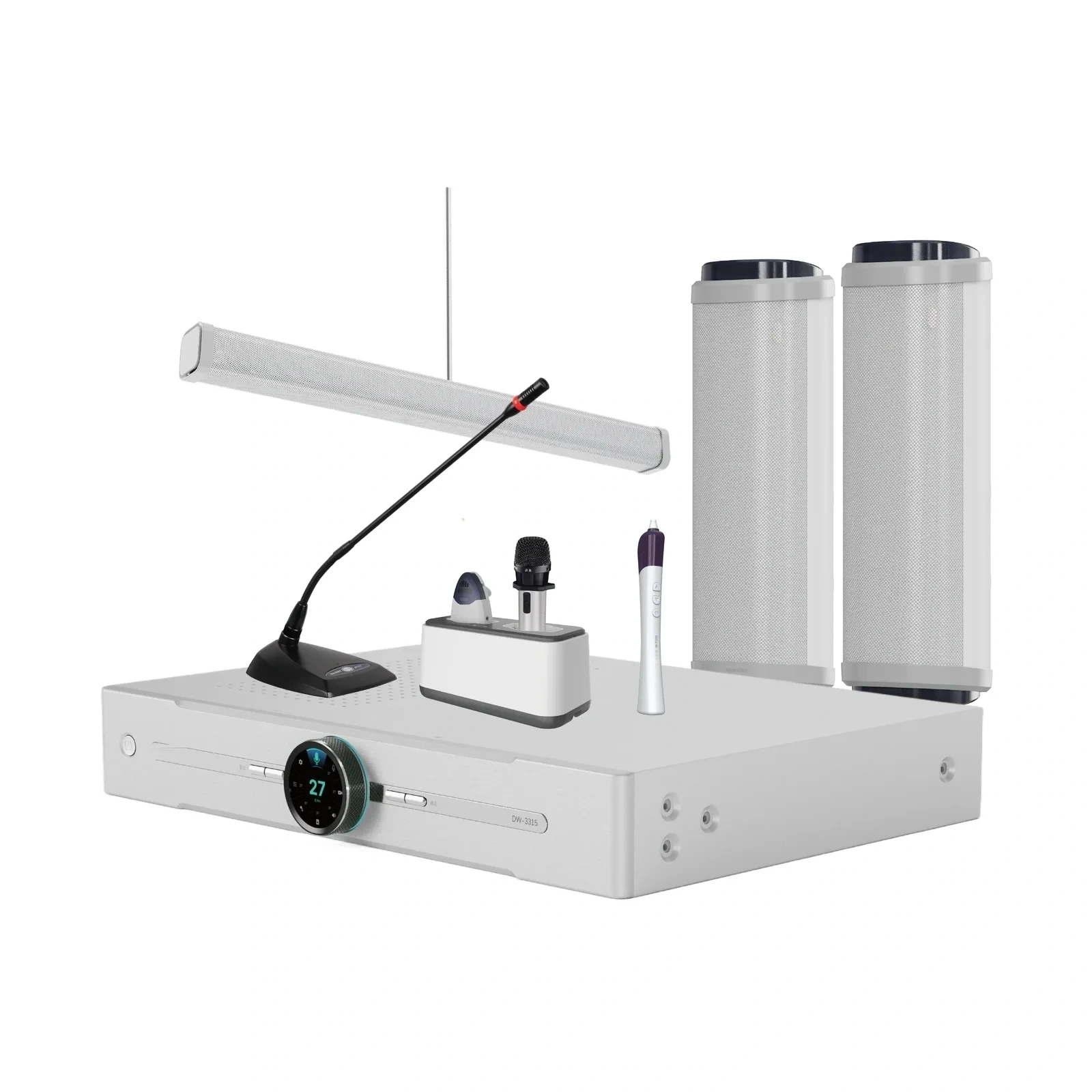
The common installation is straightforward. The classroom audio unit connects to the room PC with a single USB cable. Line output from the unit drives the room speakers. The wireless microphone receiver is internal to the unit, or connected by the manufacturer’s own link.
Where the room already has an amplifier and ceiling speakers, check whether the classroom unit can drive them through a line output while still providing USB audio to the PC. This preserves existing infrastructure and avoids a second set of speakers on the wall.
Gain structure for hybrid teaching
Set the room system first, with the video platform closed. Confirm that the teacher’s voice is clear at the back of the room and that the level is stable as they walk around.
Then open the video platform and check the input level meter with the teacher speaking from the far corner of the room. Most platforms expect a peak around −12 to −6 dBFS. If the meter sits near −30 dBFS, the remote side will hear a quiet, distant voice regardless of what the room hears.
Finally, test the return path. Play remote audio through the room speakers and confirm that the platform’s echo canceller is working — the remote participant should not hear their own voice returned.
The four mistakes that cause echo
Two audio paths. If the classroom system feeds the room speakers while the PC also outputs to a display’s built-in speakers, the two outputs create two echo references. Choose one output device.
An open laptop microphone. Some platforms accept multiple inputs; if the laptop’s internal microphone is also enabled, the room audio is captured twice. Disable it in the operating system, not only in the meeting app.
Speaker placement behind the teacher. Speakers behind or beside the microphone reduce gain before feedback and push the system into the echo canceller’s blind spot. Keep speakers forward of the teaching position.
Excessive room gain. Turning the room up to compensate for a quiet remote participant forces the echo canceller to work harder. Fix the remote level at the source, not at the room amplifier.
Recording and streaming
The same USB path serves lecture capture and streaming. A capture appliance or software encoder sees one audio device with consistent levels, which is far easier to support than a per-room collection of mixers and adapters. Where a separate balanced feed is required for a broadcast system, use the unit’s line output in parallel with USB.
What to specify
For hybrid-capable classrooms, look for: a USB audio class-compliant interface with no driver installation; simultaneous USB and line outputs; a microphone input that can mix a second wireless microphone or a lapel; and RS-232 or network control if the room has a control panel.
Seekika Audio’s DW-3315 classroom system includes a built-in digital sound card for exactly this purpose. Share your video platform and room PC specification and we will confirm the connection and gain settings before you order.
FAQ
Do I need a driver for USB classroom audio?
No. Systems built as USB audio class devices are recognised by Windows, macOS and ChromeOS without a driver. If a supplier requires a driver install, that is a support burden across a whole school and worth questioning.
Can one classroom system handle both the room speakers and the video call?
Yes — that is the point of a built-in USB interface. The system mixes the wireless microphone and any auxiliary source, sends the mix to the PC over USB, and drives the room speakers from its own amplifier. Keep the PC’s other audio outputs disabled to avoid duplicate echo references.
Why do remote students still sound distant?
Usually because the system gain into the PC is too low, or because the video platform is using the laptop’s internal microphone instead of the classroom system. Check the input meter in the platform while someone speaks from the back of the room.
Is USB audio good enough for lecture capture?
For most lecture capture it is more than adequate and considerably more consistent than analogue adapters. Where a broadcaster or auditorium requires a balanced feed, use the line output alongside USB rather than converting USB back to analogue.