Classroom Soundfield Layout: Speaker Placement, Sensor Coverage & Commissioning

A classroom soundfield system can be specified perfectly on paper and still sound uneven in practice. The difference is usually installation: where the speakers sit, where the infrared sensor can see, and how the system is set up on the day it is commissioned.
This guide covers a practical layout process for a typical classroom, from the first survey to the final listening check.
Step 1: Survey the room properly
Walk the room before any equipment is specified. Note the room dimensions, ceiling height and construction, then mark on a simple floor plan:
- The teaching position and the board or display.
- The main speaker locations, if any already exist.
- Windows, doors and any columns or bulkheads.
- Power outlets and existing cable routes.
- Seating rows and the furthest student position.
Listen to the room. Clap once and notice whether the sound dies quickly or rings on. A hard, reverberant room needs more attention to speaker aiming and equalisation than a carpeted one.
Step 2: Place the speakers
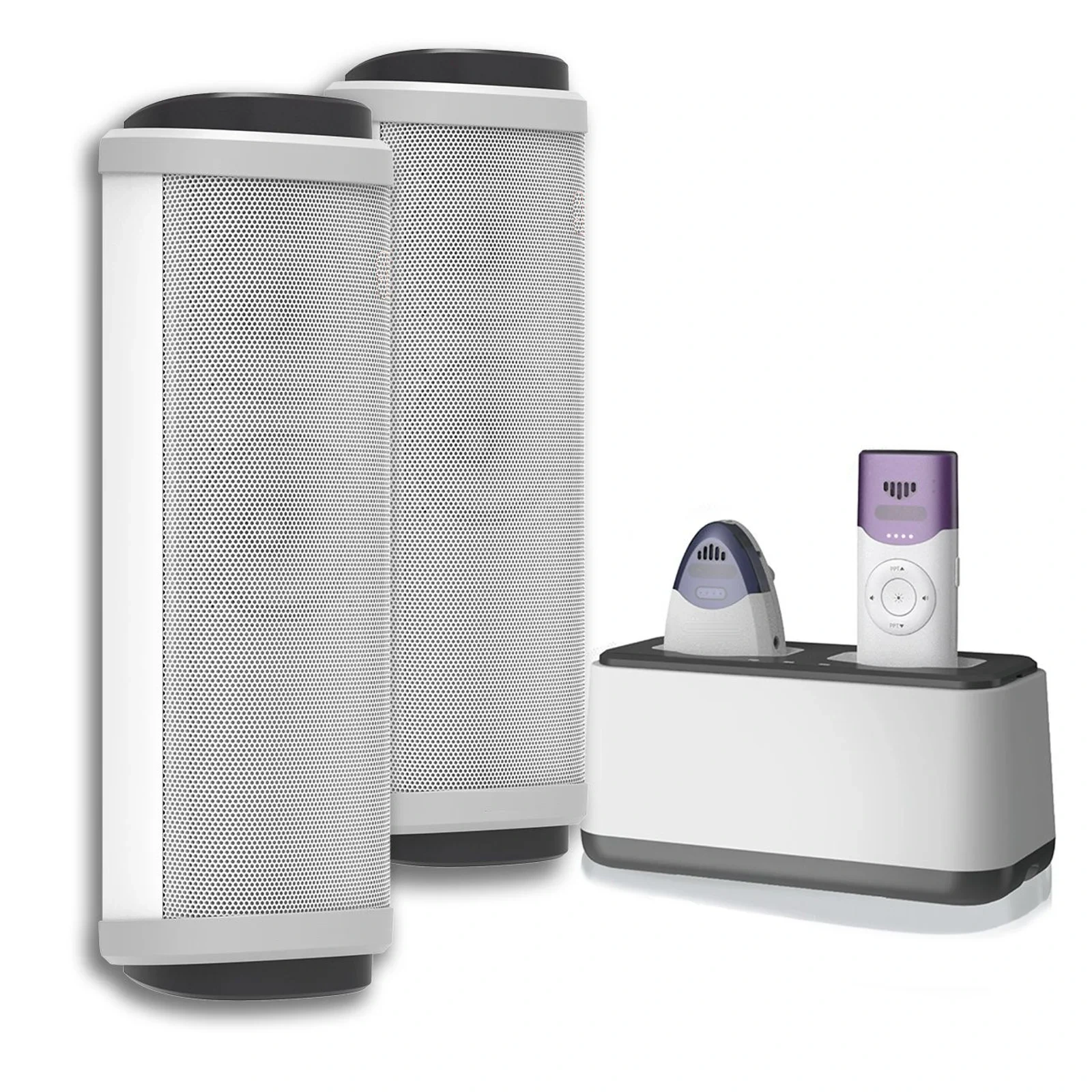
For an all-in-one soundfield unit with two column speakers, the default position is either side of the teaching wall, at roughly ear height when seated. Keep the speakers in front of the teacher and angled slightly inward so the first row is covered without blasting the nearest students.
Three rules cover most installations:
- Keep speakers out of the microphone’s direct path. Feedback starts when the microphone hears the speaker. Aim speakers toward the seats, not back toward the teaching position.
- Raise them above seated head height. This reduces absorption by the front row and improves coverage toward the back.
- Stay away from corners. Corner placement reinforces low frequencies unevenly and makes speech sound boomy.
Step 3: Plan infrared sensor coverage
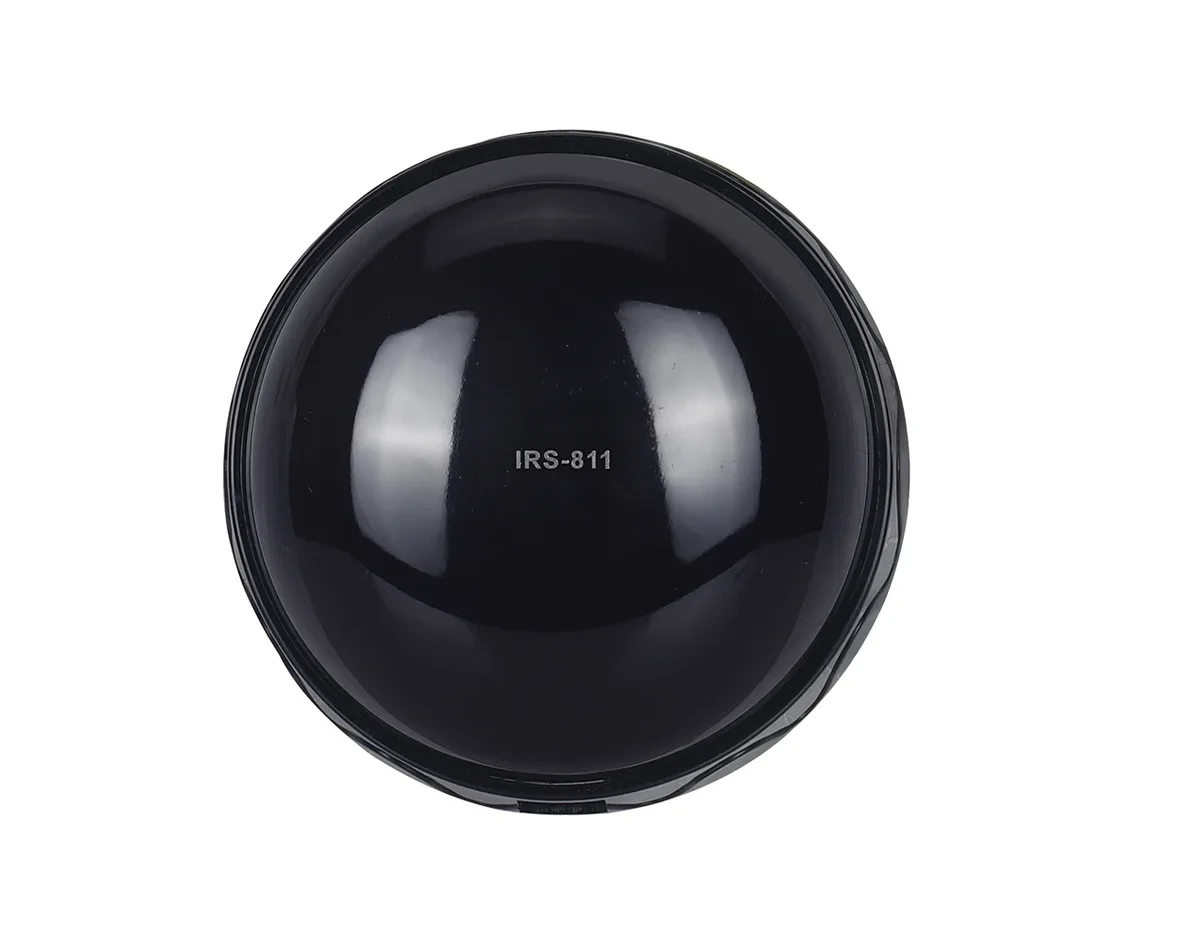
The sensor needs a clear view of the whole teaching zone — typically the front third of the room plus the aisle the teacher walks. In an all-in-one unit the sensor is built into the main housing; a separate ceiling sensor may be needed for deep rooms or L-shaped layouts.
Infrared behaves like light. Check that:
- No whiteboard, projector housing or ceiling beam shadows the teaching area.
- The sensor is not aimed directly at a window with strong afternoon sun.
- The sensor height covers both standing and seated teachers.
- Extension sensors are wired within the manufacturer’s recommended cable length.
Step 4: Set gain before volume
Commission in this order: microphone gain, equalisation, then master volume. Set the teacher’s normal speaking voice to a comfortable level at the back row, then ask them to move to the furthest point they normally teach from and confirm the level stays consistent. Only then adjust tone controls, if the system provides them.
Avoid solving coverage problems with volume. Turning up the system raises the risk of feedback and makes the front rows uncomfortably loud. If the back is quiet, the fix is usually speaker aim, speaker height or an additional speaker.
Step 5: Run a feedback check
With the microphone on and the room quiet, walk slowly through the teaching area while speaking. If feedback occurs, identify the speaker-microphone path and adjust the speaker angle first. If the system has a feedback suppressor, engage it only after the physical layout is correct — it is a safety net, not a substitute for placement.
Step 6: Confirm the hybrid feed
If the room is used for recording or video calls, test the USB or line output separately. The level that sounds right in the room is not necessarily the level that sounds right on a video call. Record a short test clip and listen on headphones; speech should be clear without room rumble or clipping.
Commissioning checklist
- Speakers securely mounted and aimed at the seating area.
- Sensor unobstructed across the whole teaching zone.
- Microphone and spare battery charged; charging dock powered.
- Gain, tone and volume set with a person standing in the room.
- Feedback check completed at normal teaching volume.
- Hybrid/recording feed tested and labelled at the room PC.
- Teacher shown the mute control, charging routine and support contact.
Most commissioning problems trace back to two causes: a sensor that cannot see part of the room, or a speaker aimed back toward the teaching position. Both are easy to avoid with a floor plan and a ten-minute listening test.
Seekika Audio provides layout guidance and kit configuration for classroom projects. Send us your room dimensions and teaching layout and our team will prepare a coverage plan.
FAQ
Where should the main soundfield unit be mounted?
Normally on the teaching wall, centred on the seating area, with the speakers at or slightly above seated ear height and angled toward the back of the room. Avoid corners and keep the unit away from direct sunlight on the sensor.
How many infrared sensors does one classroom need?
A standard rectangular classroom up to about 100 m² usually needs one wide-angle sensor. Deep rooms, L-shaped rooms or rooms with obstructions may need one expansion sensor positioned to cover the blind area.
Why does the system sound louder at the front than the back?
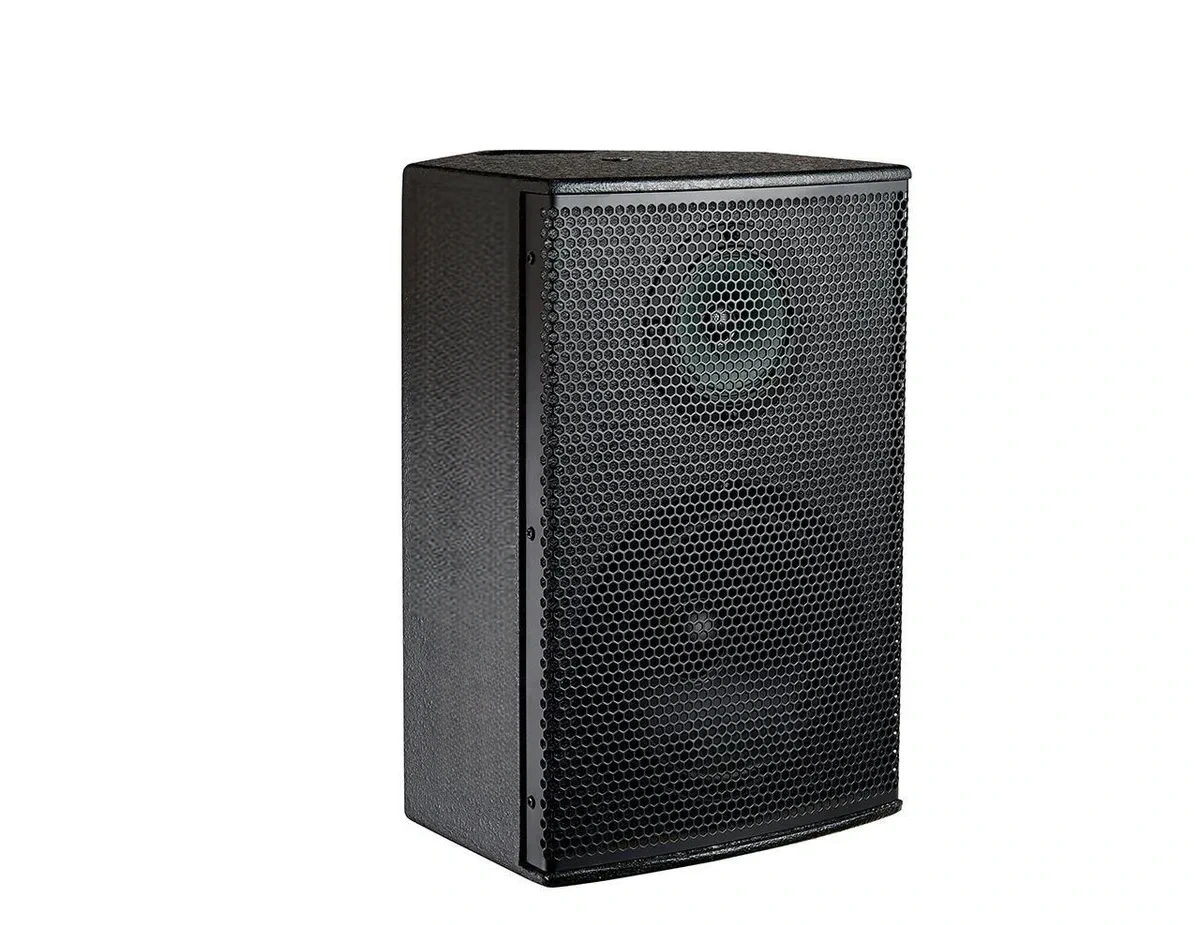
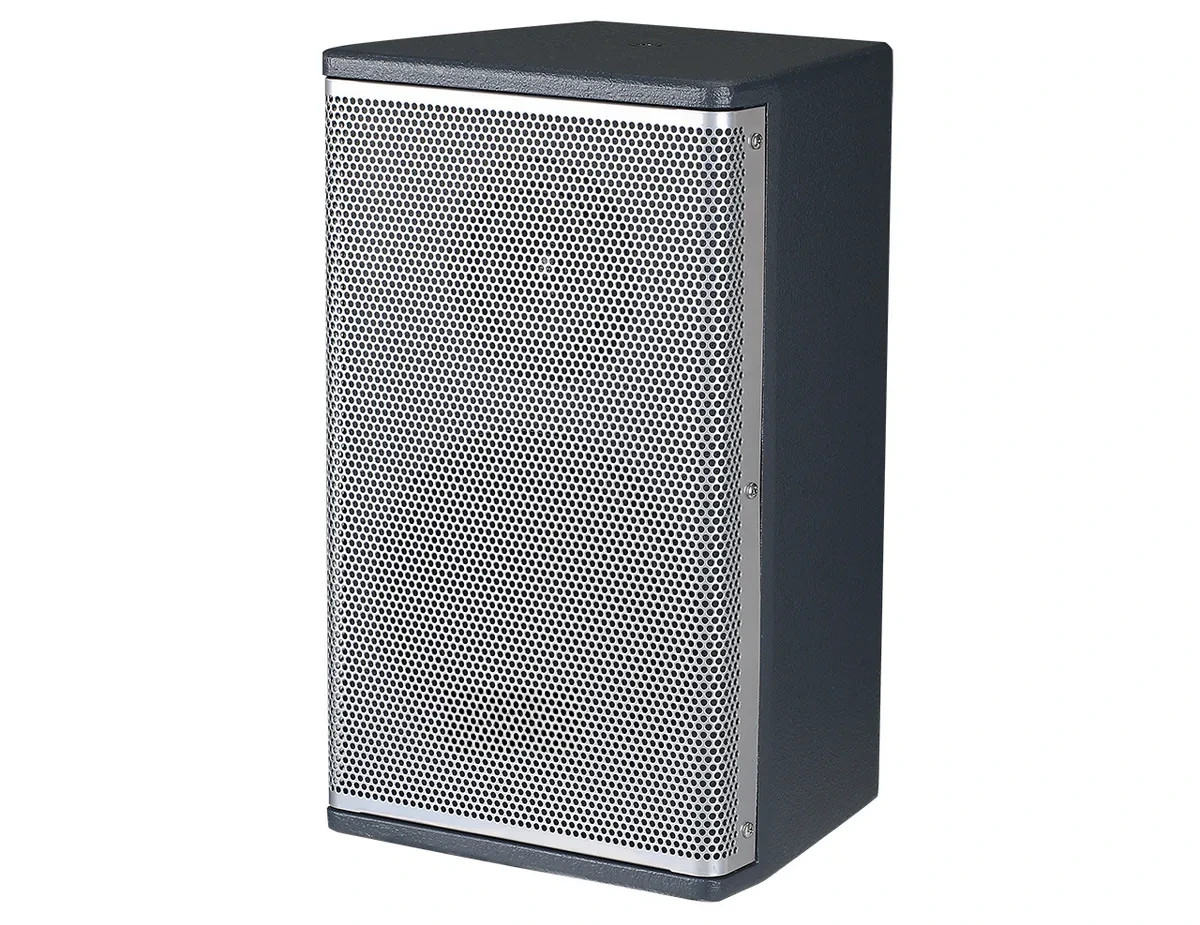
The speakers are probably aimed too steeply downward or positioned behind the first row. Raise the speakers, angle them more toward the rear, or add a second speaker to distribute the sound. Do not simply increase the master volume.
Can the soundfield system connect to the classroom PC?
Yes if the system has a USB audio interface or a line output. A USB connection is simplest for video calls and recording; a line output can feed a capture device or assistive-listening transmitter. Confirm the cable type and level settings with the supplier.