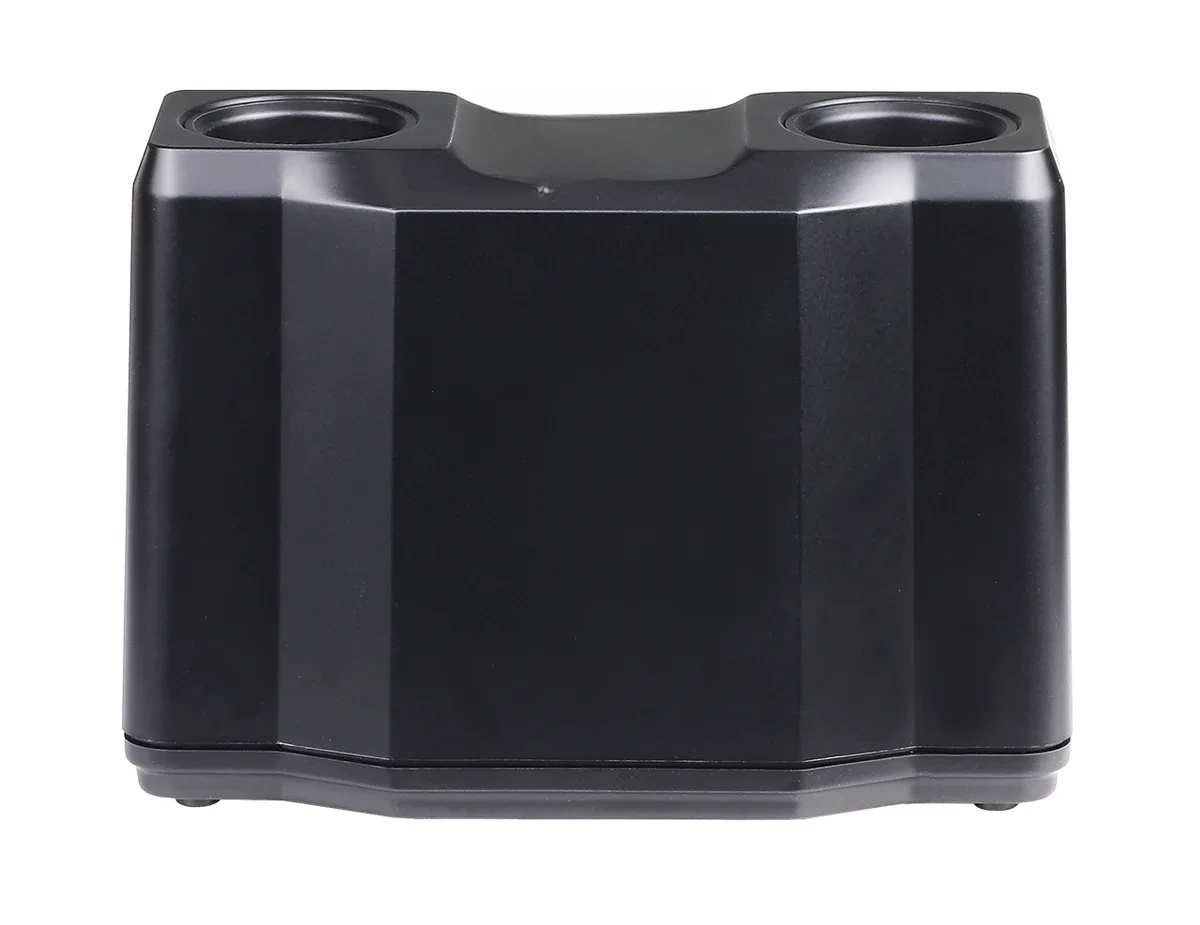
Charging Docks and Battery Routines That Keep Classroom Microphones Ready

Ask a school what goes wrong with classroom audio and the answer is rarely about sound quality. It is about a microphone that was not charged. The system was specified well, installed correctly and then defeated by a charging routine that depended on someone remembering.
Charging is the least technical part of a classroom audio system and the part that decides whether it works in daily practice. This article covers what to look for in a dock and how to build a routine that survives staff changes.
Dock or cable
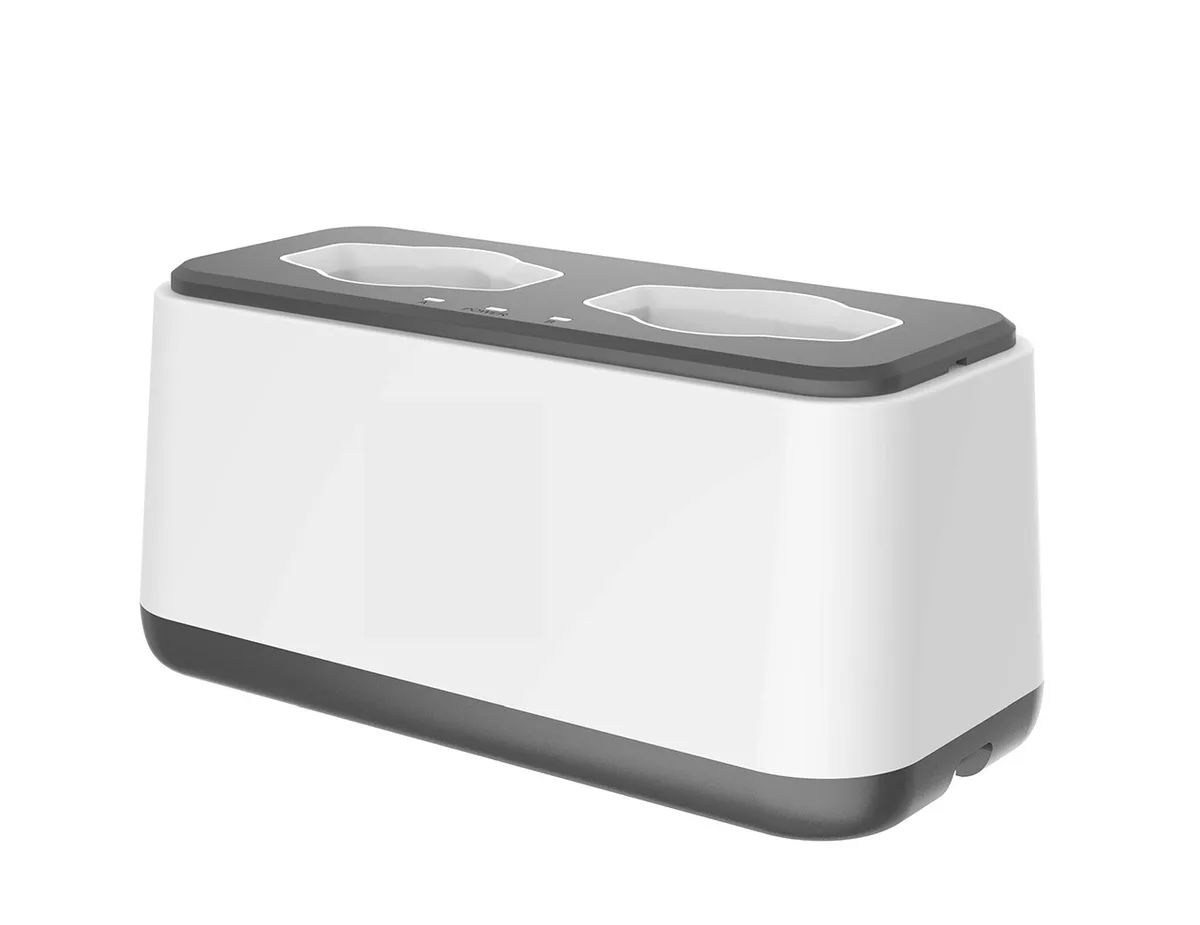
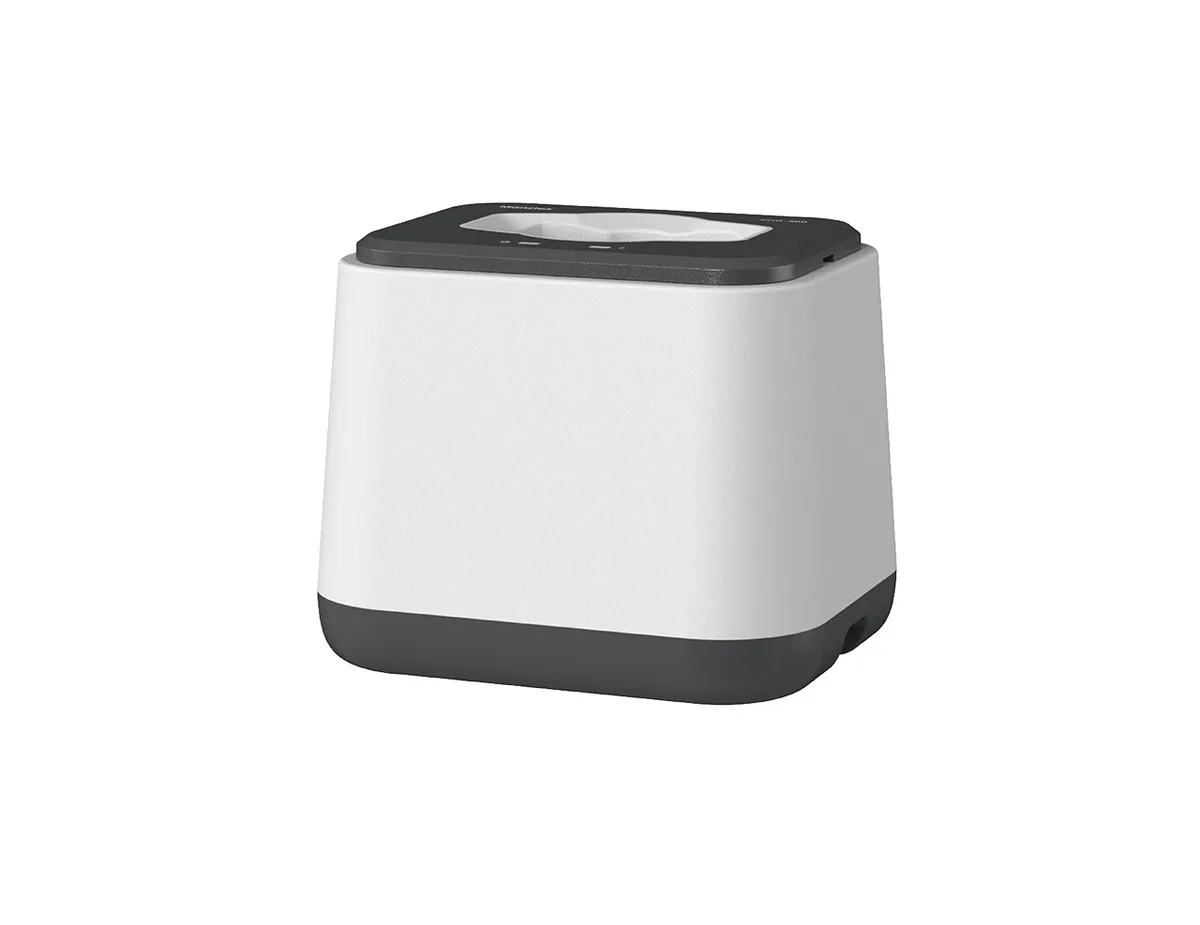
A cradle dock charges a microphone when it is placed in it. A cable requires a connector to be plugged in. The difference sounds trivial and is not: a dock is a one-second action performed at the end of a lesson, while a cable is a deliberate task that competes with everything else a teacher does at the end of a lesson.
Docks also define where the microphone lives. If the dock is in the classroom, the microphone stays in the classroom. If charging happens in a staff room, microphones migrate and rooms end up without one.
Indicators that staff can read
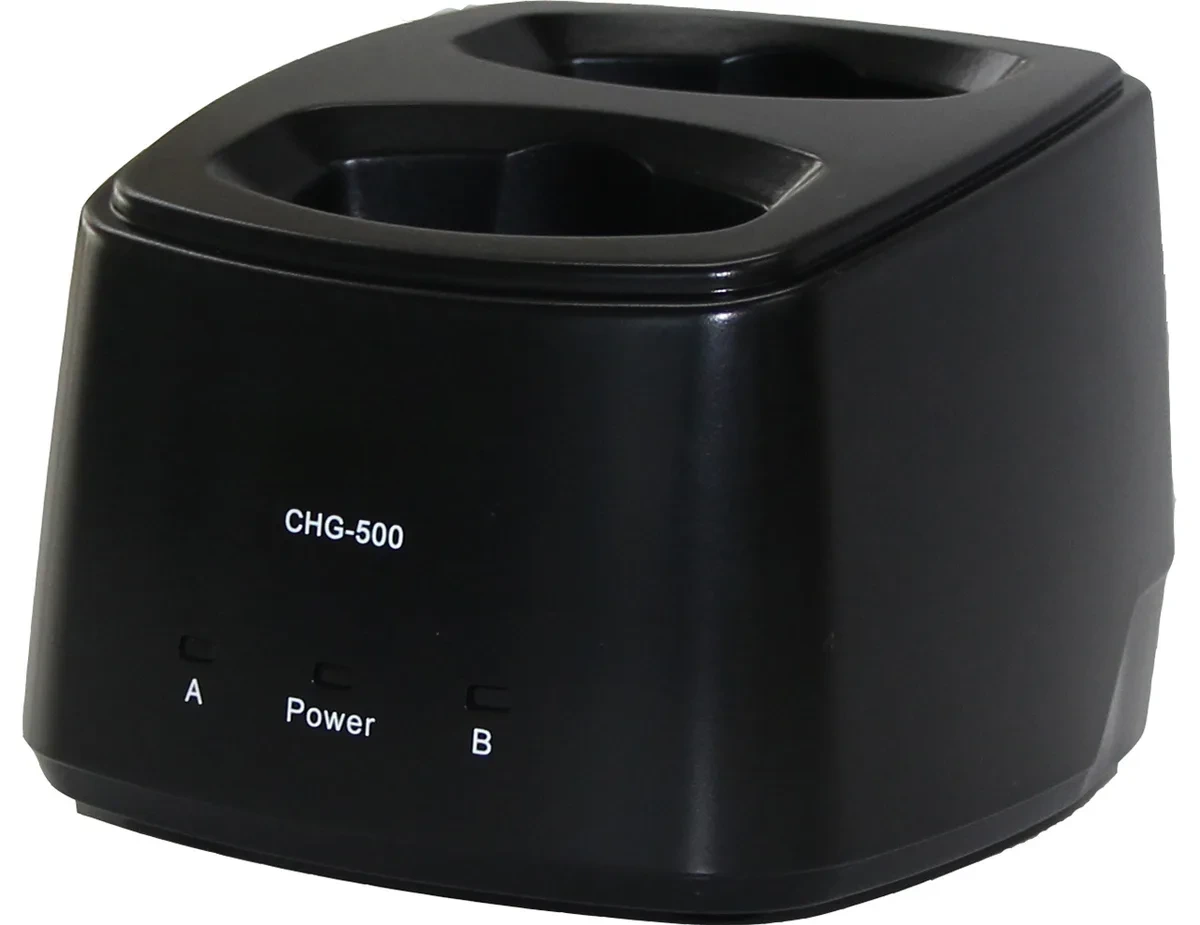
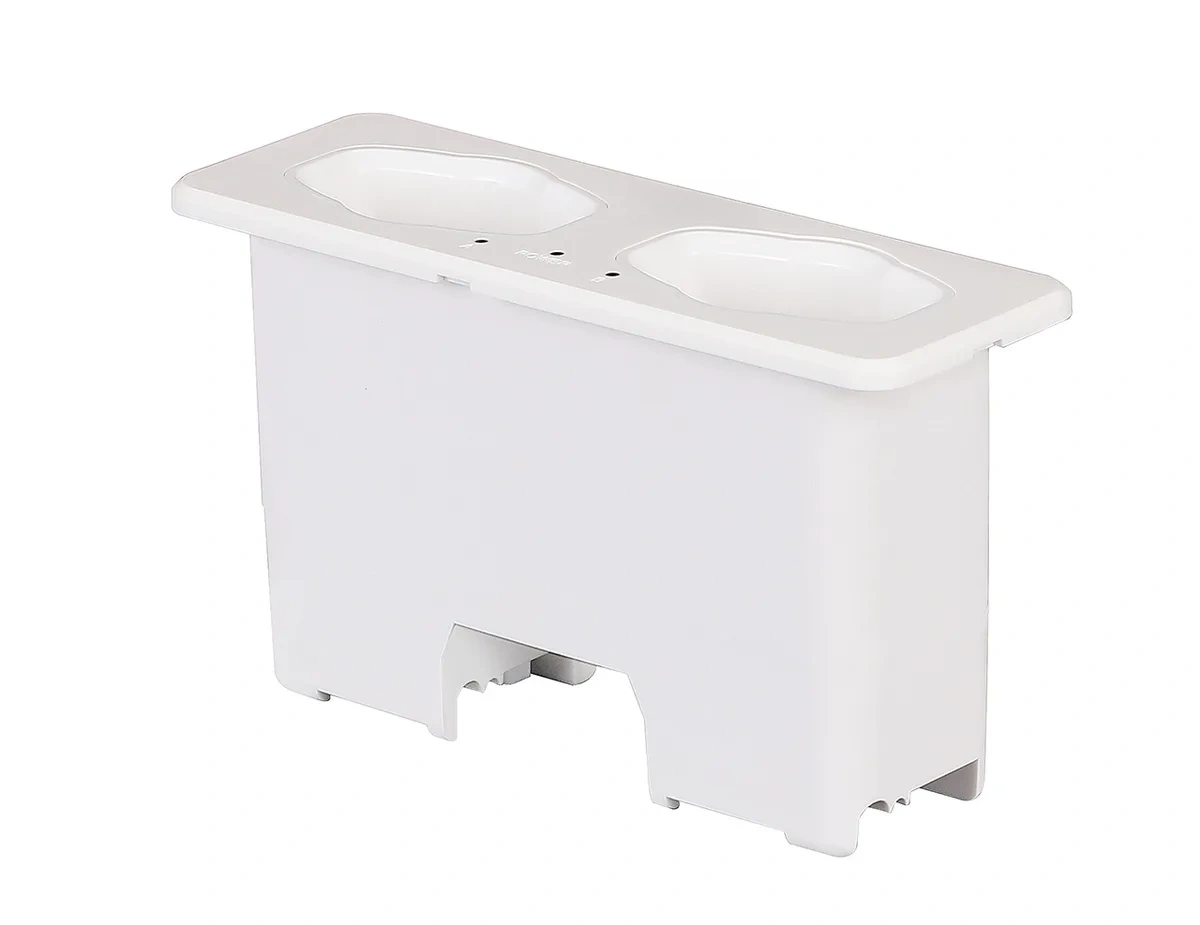
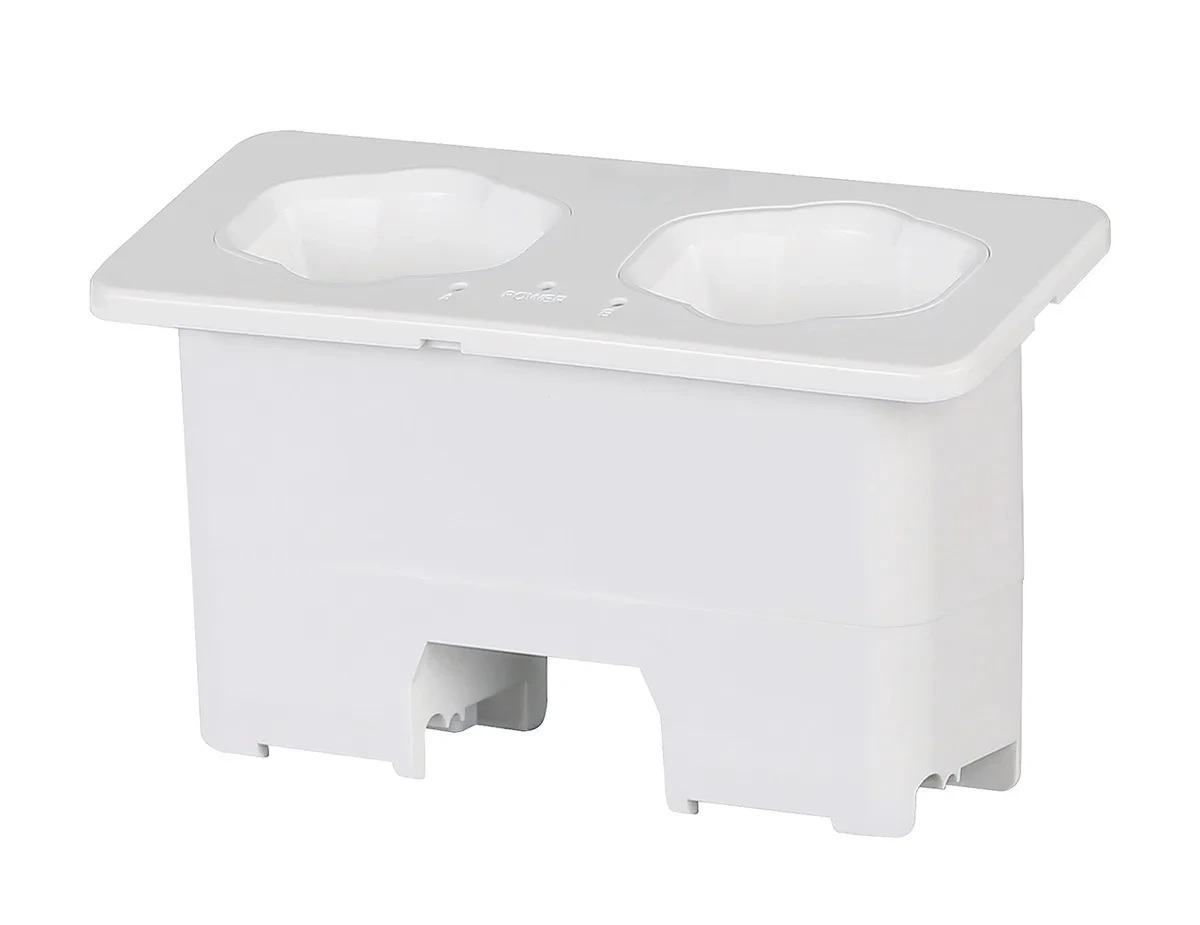
The useful indicator is per slot, not per dock. A single LED on the dock tells you something is charging; a per-slot indicator tells you which microphone is missing or has failed. In a room with two microphones, that distinction is the difference between a two-minute check and a support call.
Battery state on the microphone itself matters too. A teacher picking up a microphone should be able to see at a glance whether it will last the lesson, without pressing a sequence of buttons.
Battery chemistry and cycle life
Lithium-ion cells are standard in modern classroom microphones and tolerate partial charging well. The failure mode to avoid is deep discharge — a microphone left flat for weeks — which permanently reduces capacity. A dock that keeps the microphone on maintenance charge prevents this; a drawer does not.
Ask suppliers for the expected cycle life and whether the battery is field-replaceable. A microphone with a sealed battery becomes disposable at end of life; a replaceable one extends the fleet’s service life considerably.
Matching the dock to the fleet
Schools with several microphone formats need a dock that accepts all of them, or a family of docks that share a power supply and mounting. Mixing power supplies across rooms creates a spare-parts problem and a trip hazard.
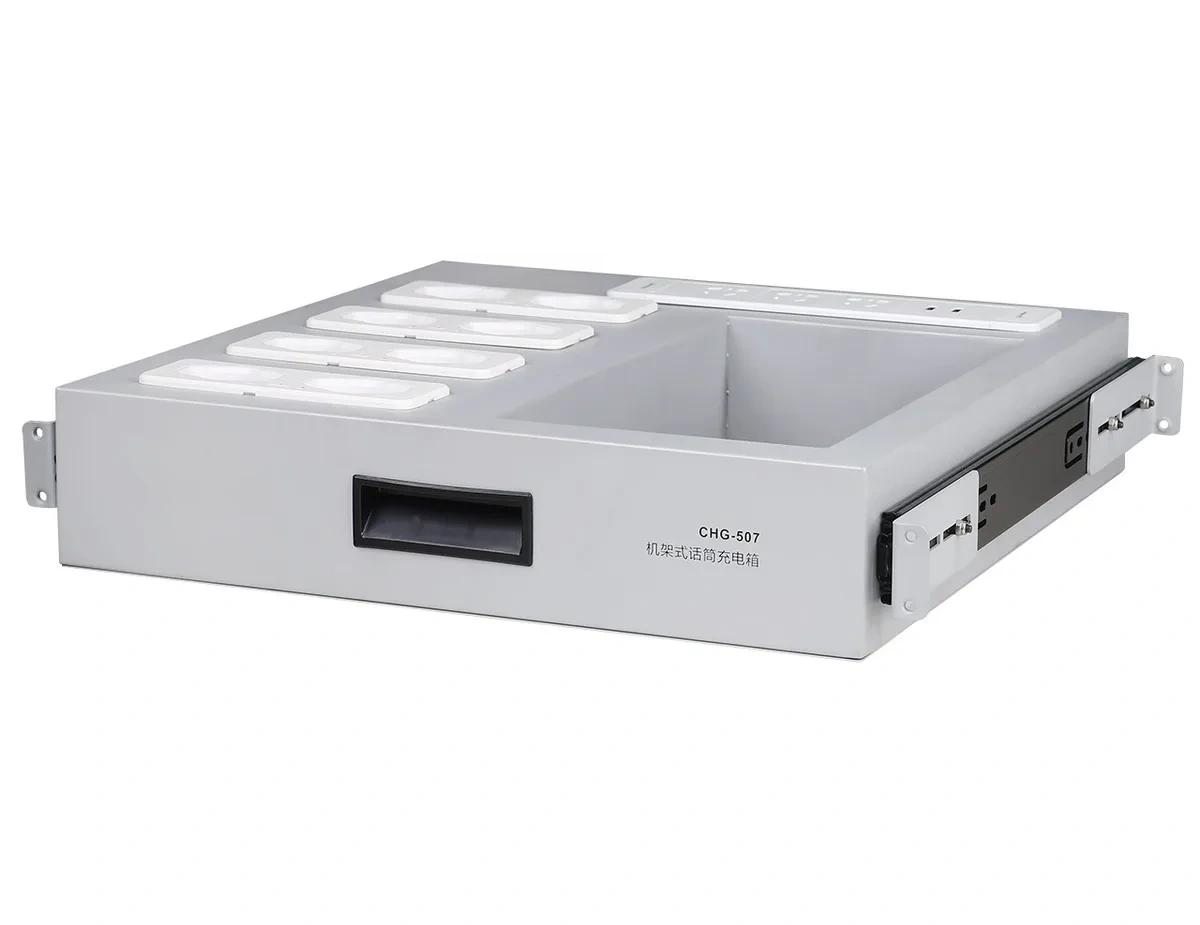
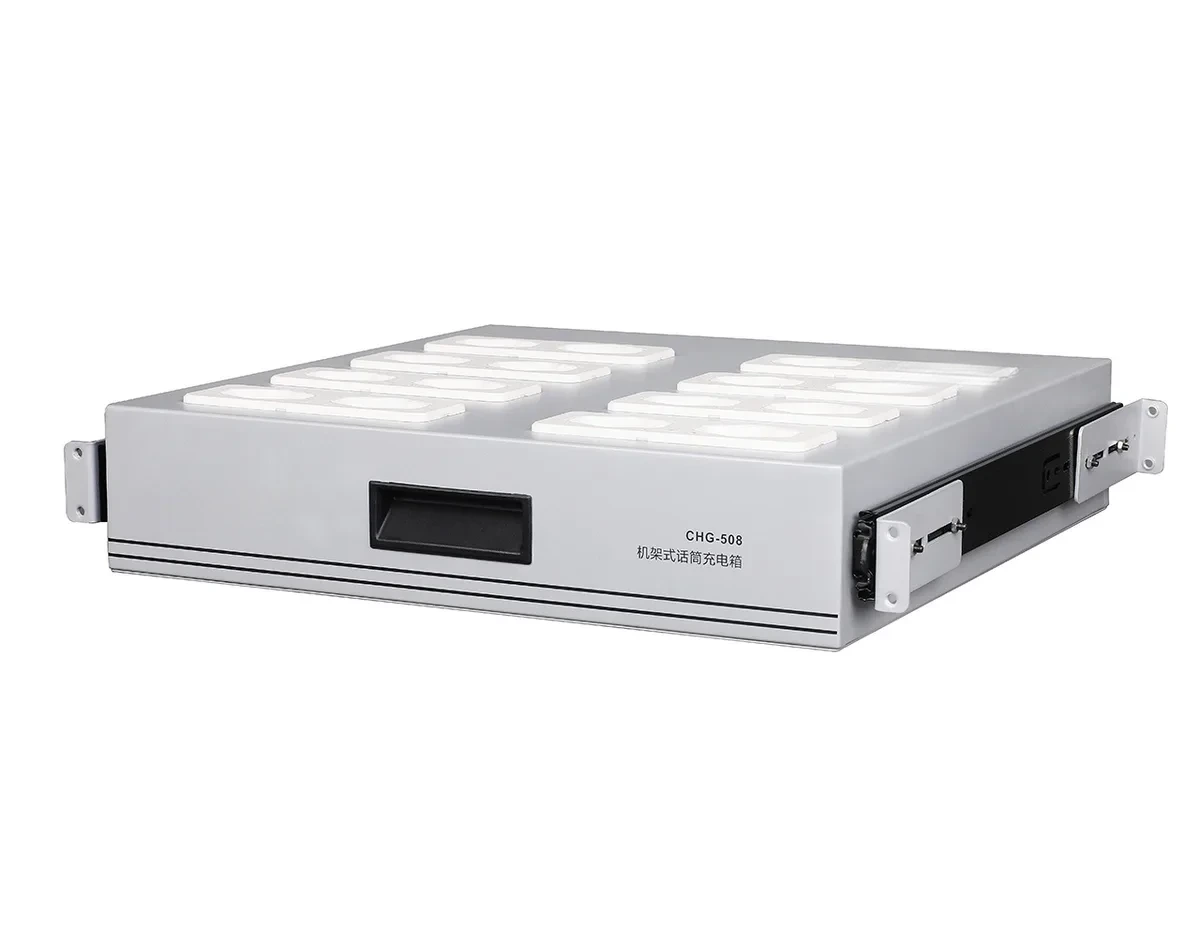
For larger buildings, a charging cabinet in a secure location works for shared equipment — handhelds used in the hall, spare microphones, sports equipment — while each classroom keeps its own small dock.
Building the routine
The routine that works is the one embedded in an existing habit. Docking the microphone belongs with the end-of-lesson actions teachers already perform: closing the room, returning the remote, switching off the projector.
Two practices make a measurable difference. First, label each microphone to its room or teacher, so a missing unit is obvious. Second, make one person responsible for a weekly check of all docks — not a daily one. Daily checks get skipped; weekly checks catch the battery that is no longer holding charge before it fails in a lesson.
What to specify
- One dock per classroom, mounted where the microphone is picked up and returned.
- Per-slot charge indication.
- A standard power supply shared across the range.
- Field-replaceable batteries with a published cycle life.
- Capacity for every microphone format the school uses.
Seekika Audio supplies charging docks and cabinets that accept pendant, handheld and bodypack microphones from the same system family, with per-slot indication and shared power supplies.